
A backup that is yours
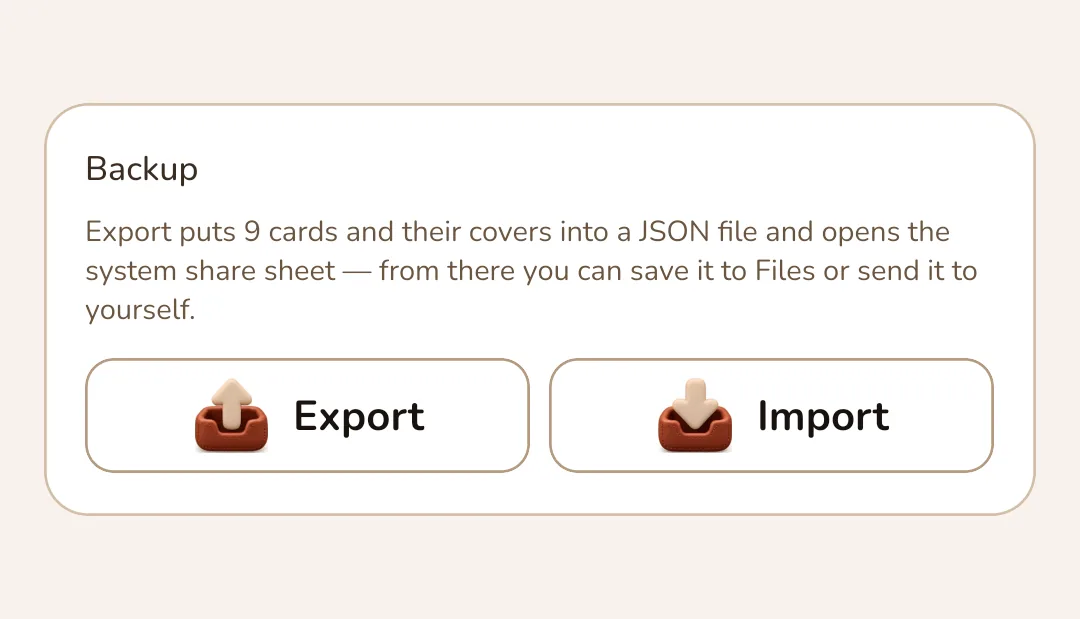
Export puts every card and its cover into a single JSON file and opens the system share sheet. Import restores the set on a new phone — and says how many cards the file holds before it replaces anything.
OFFLINE-FIRST · NO ACCOUNT
Cardfold keeps every loyalty card on the phone. Scan the barcode once, show it at the till — no account, no cloud, no ads. Cards leave the device only in a backup you export yourself.

13
code types the camera reads
10
formats drawn on screen
5 × 2
themes, light and dark
0
accounts, cloud or ads
STEP ONE
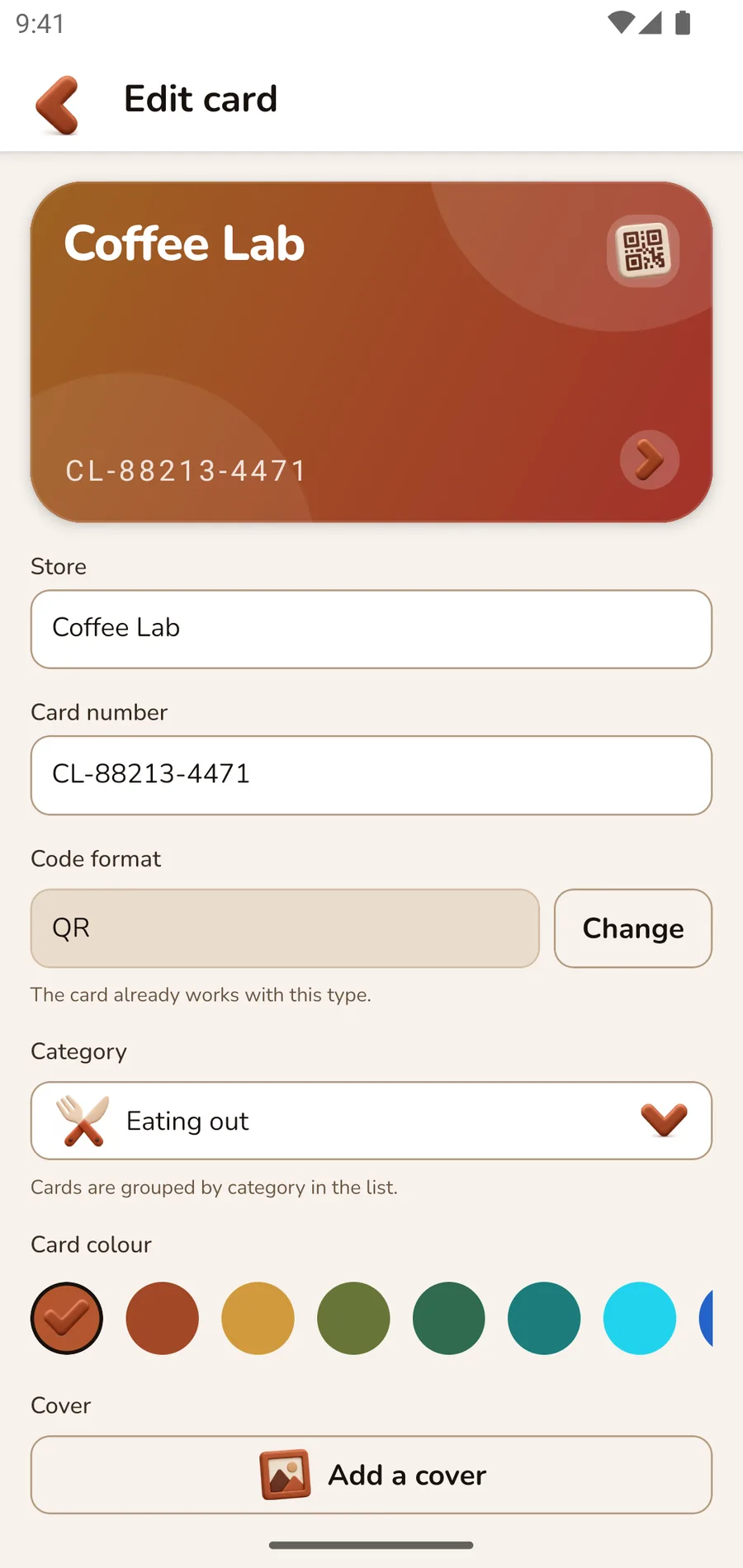
Point the camera at the barcode on the back of the card — the number and the code format fill themselves in.
AT THE TILL
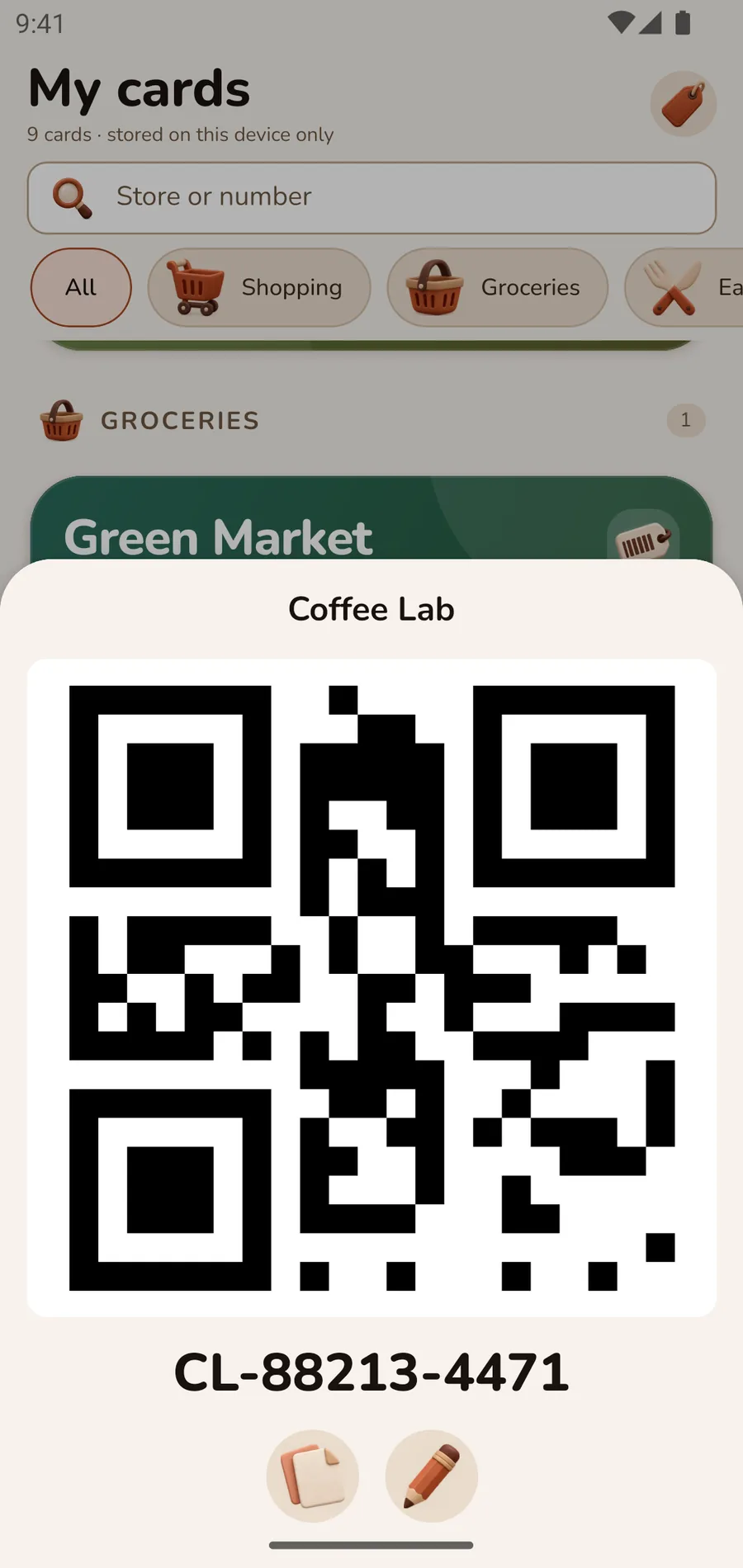
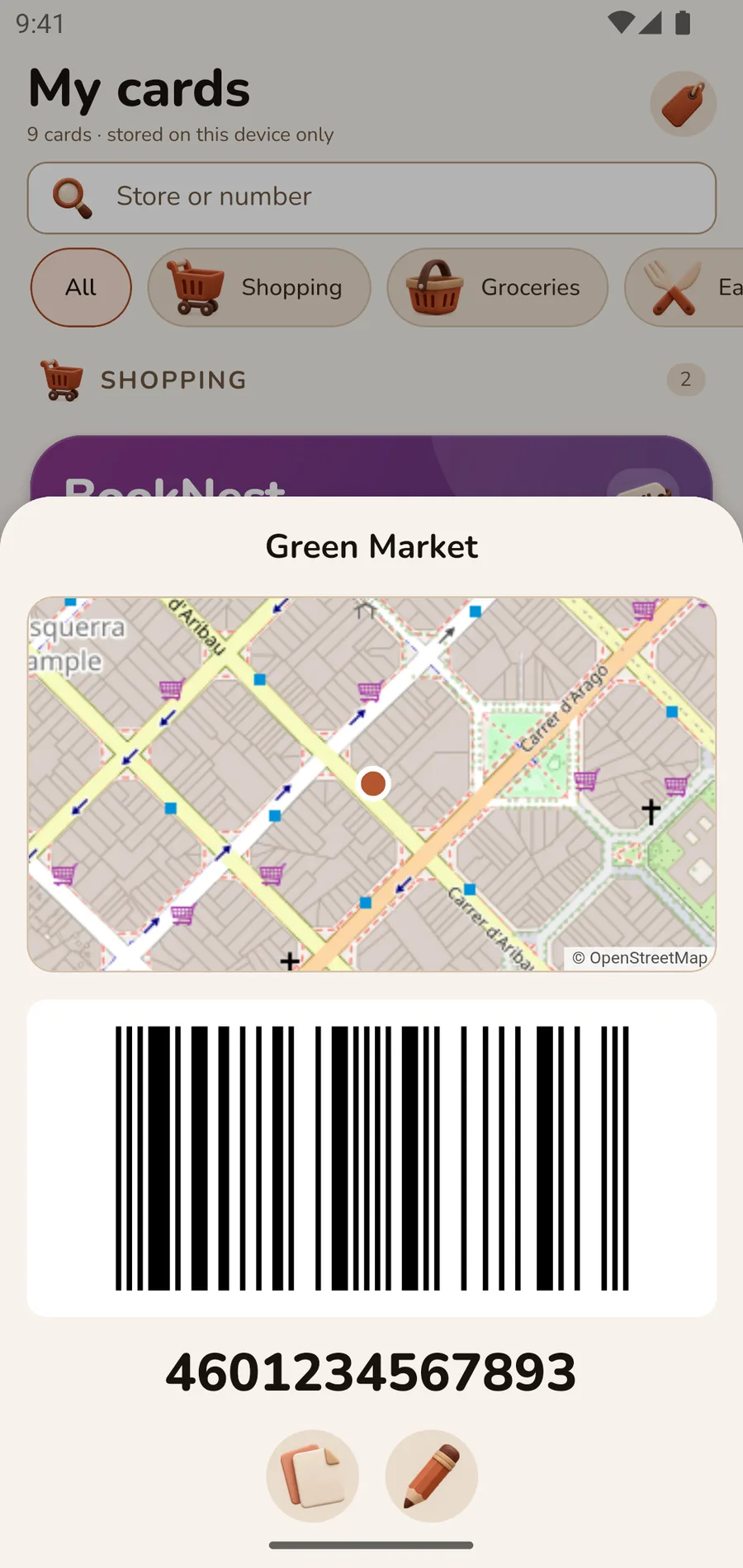
Tap a card and a sheet opens with the code drawn large, while the screen turns its brightness up to maximum. The scanner reads it on the first try.
YOUR LOOK
Twelve card colours, or any photo from your library as a cover. The text colour is computed from contrast, so the name stays readable on dark and light backgrounds alike.
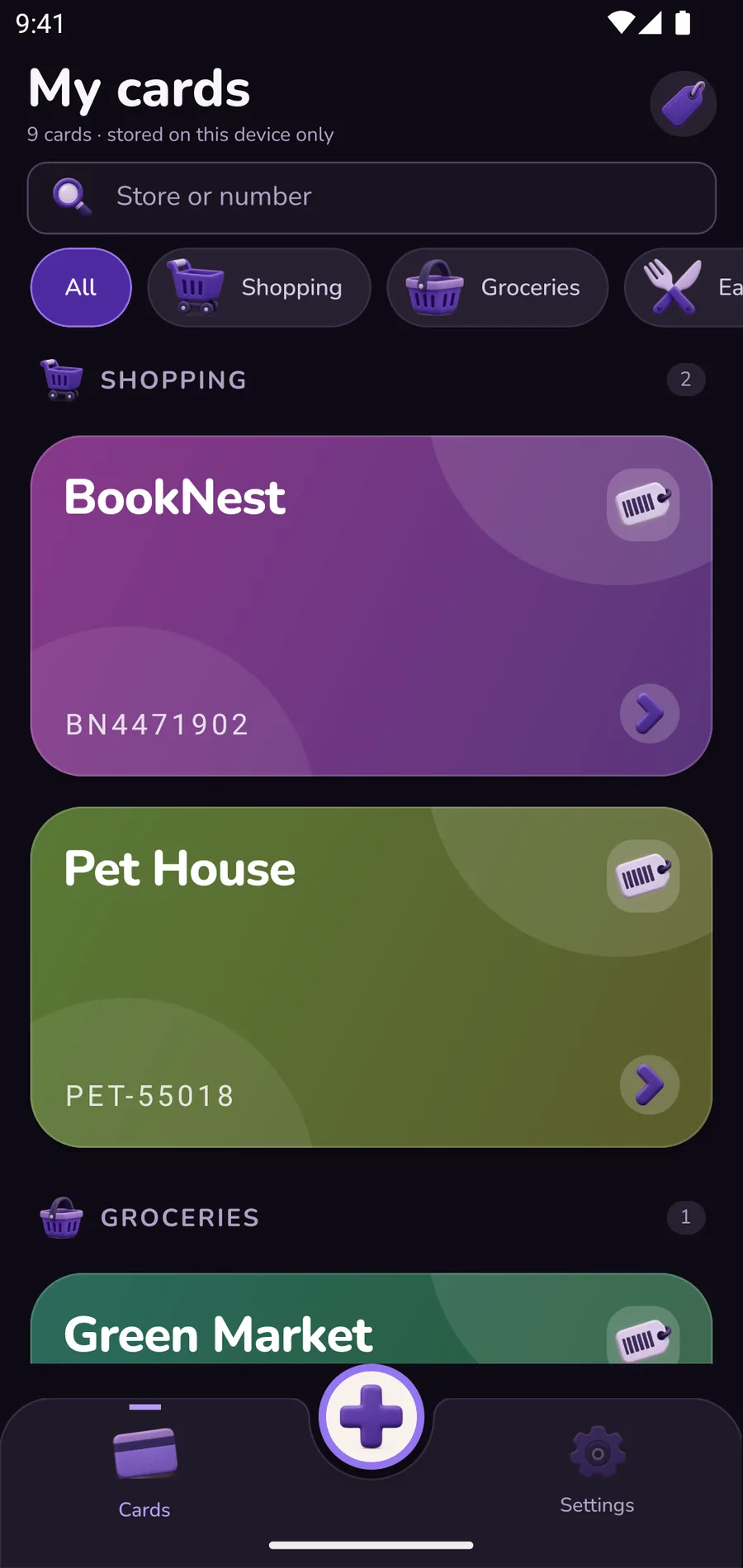
Hold a card and drag it up — your everyday one stays on top.
ORDER
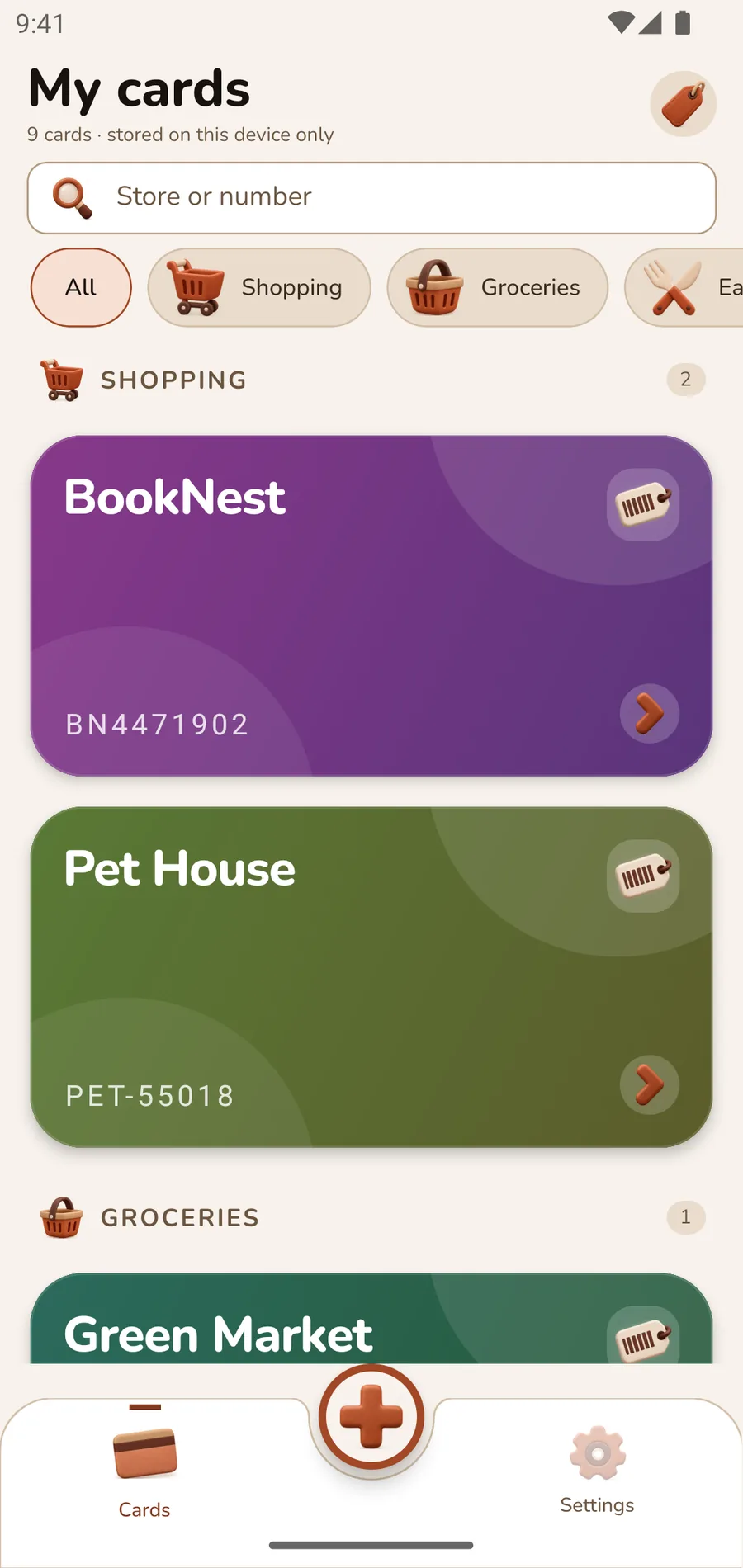
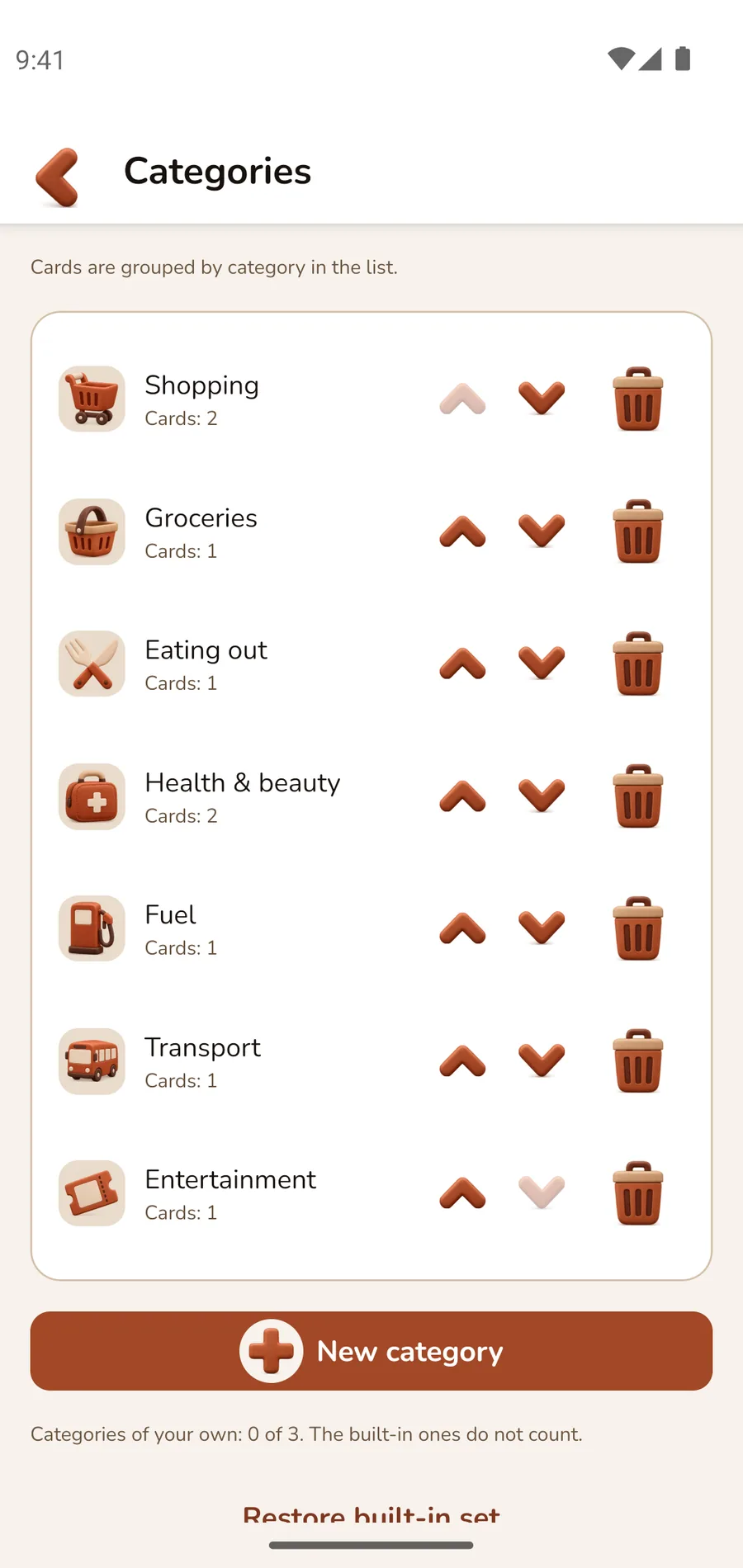
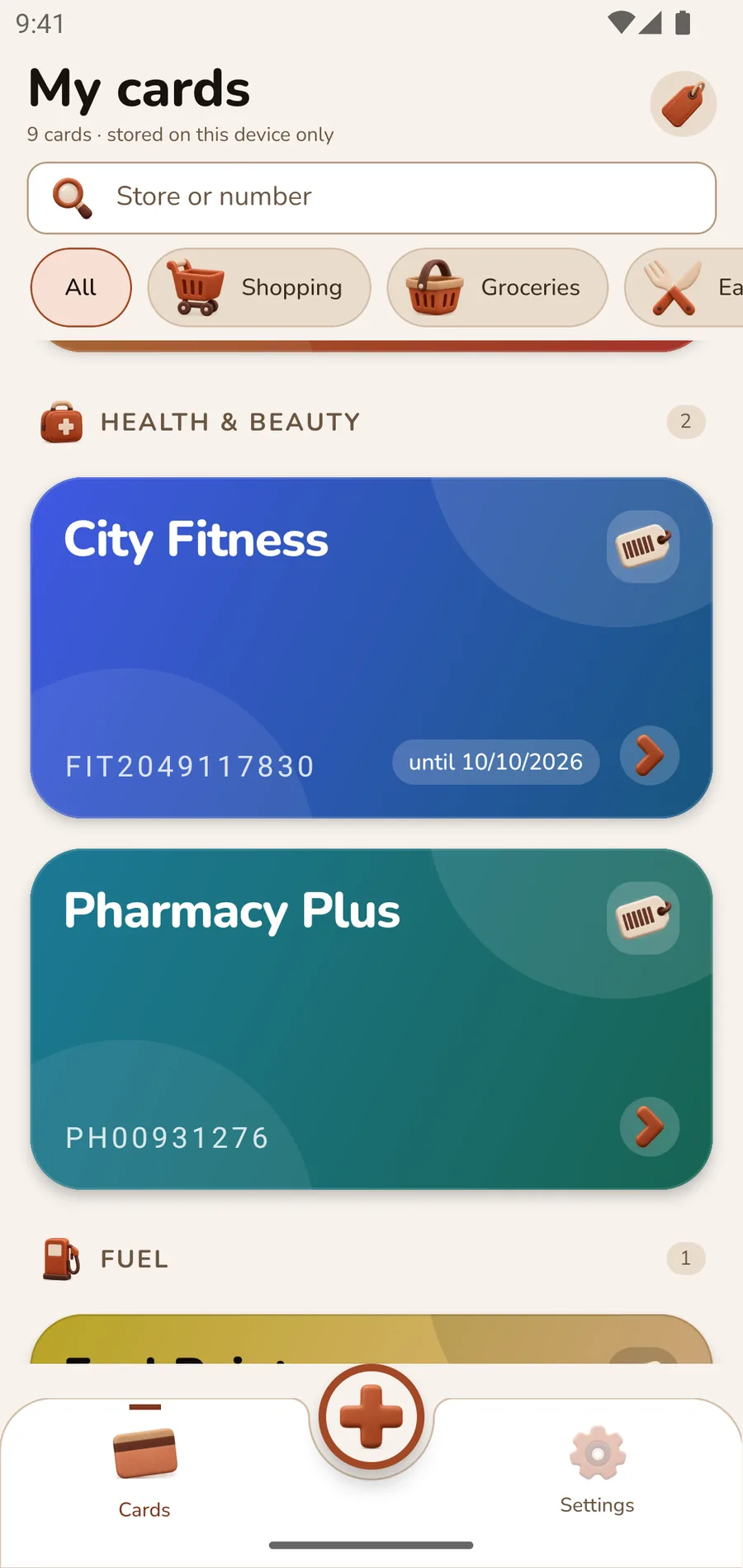
Cards sit in sections you can name yourself, search finds them by shop or by number, and a long press drags the everyday one to the top.
PLACE
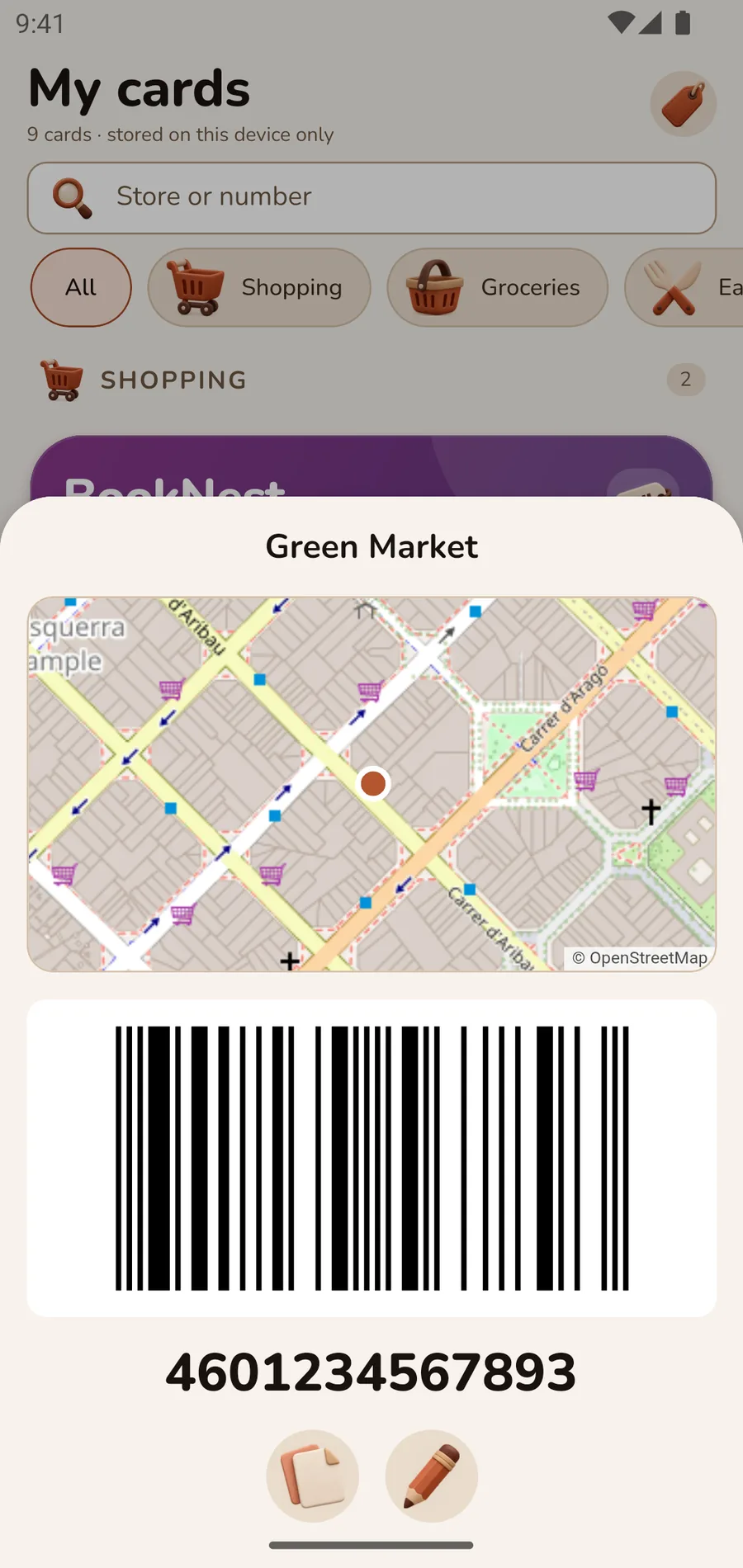
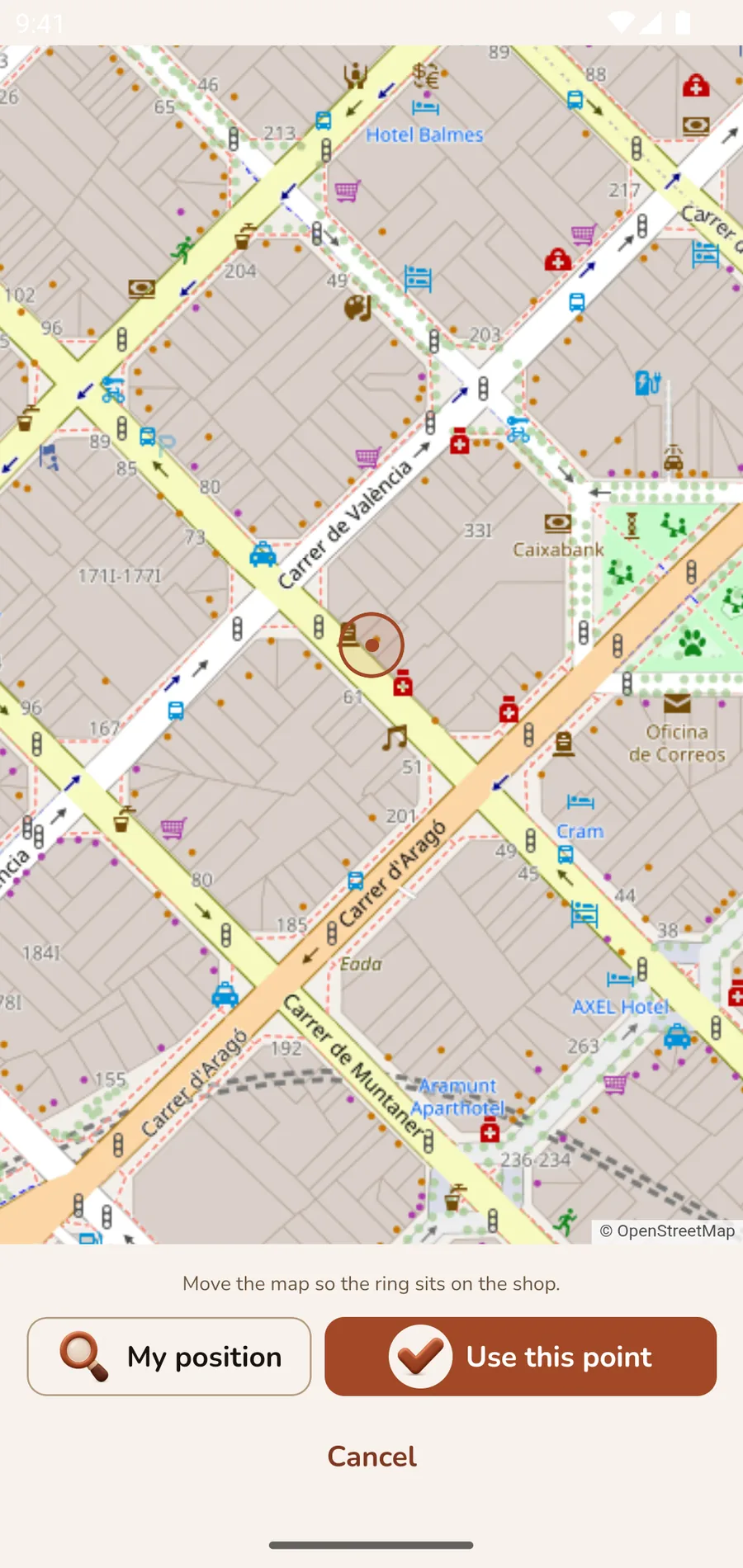
Pin a card to a shop on the map, and it comes forward in the list when you are back there. Only a point is stored, on this device — no address, no shop name, nothing looked up anywhere.
AND THE REST
Export puts every card and its cover into a single JSON file and opens the system share sheet. Import restores the set on a new phone — and says how many cards the file holds before it replaces anything.
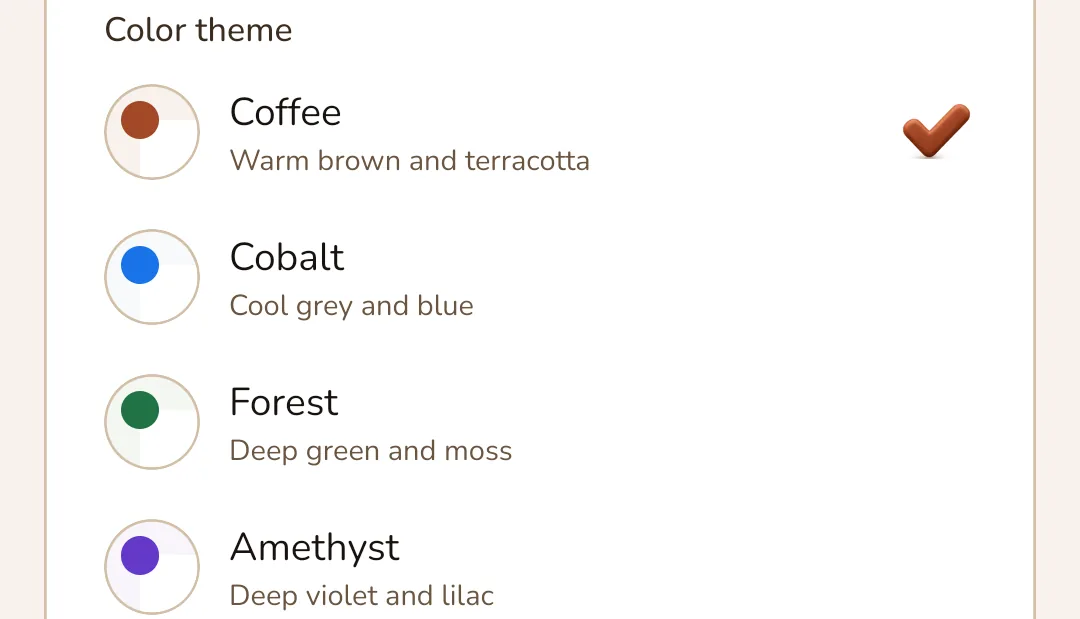
Coffee, Cobalt, Forest, Amethyst and Rose — all five are free, each in light and dark, every text pair checked against WCAG AA contrast. English, Ukrainian and Russian; theme and language can follow the system.
The card you need, one tap from the launcher — no list to open first. Like everything else in the app, the widget is free.
A fingerprint, a face or the device PIN before the cards open. The check is done by the system itself: the app has no password of its own, on purpose.
The camera is used only to scan a barcode — without the permission the app still works and you type the number. Photos are asked for only when you pick a cover, location only while the list is open. A connection is needed for the map and for Google Play checking whether Pro was bought; usage statistics and crash reports go to Google Firebase when one is there.
FORMATS
The camera reads thirteen types of code. Ten of them the app draws itself, sharp at any screen size.
Cards with PDF417, Aztec and Data Matrix are stored too — for those the number is shown in large type, so you can read it out to the cashier.
CARDFOLD PRO
Photo covers, expiry reminders, cards by place, the app lock, the widget, backups and all five themes are free, for everyone. The free app keeps five cards and three categories of your own; Pro lifts those two limits with a single payment. No subscription and no sign-up: Google Play takes the payment, and on a new phone the purchase comes back through the same store account.
The limit never takes a card away: whatever is already in the list — everything an import brought, for instance — stays there and still opens at the till.
One-time purchase · not a subscription · nothing to cancel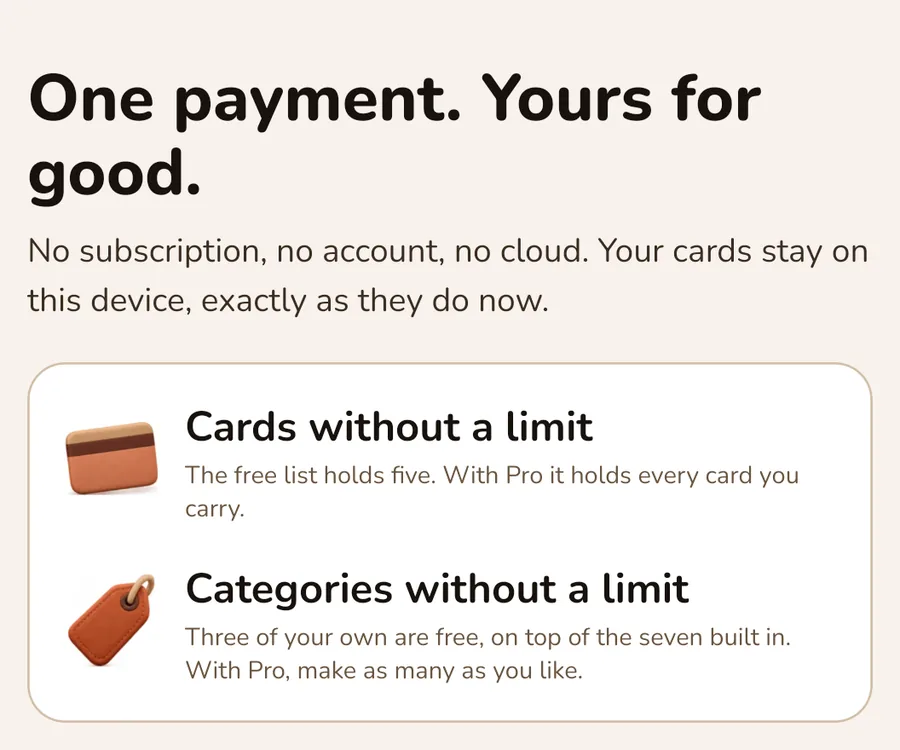
PRIVACY, NOT AS A PROMISE
Cards live in local storage on the device. There is no server behind the app, and nothing to sync.
The one way data leaves the phone is a backup you export yourself, into a file you choose.
Usage statistics and crash reports go to Google Firebase so bugs get found. They carry no name, no account and none of your cards — and there are no ads.
FAQ
The cards do not: adding, showing, editing and sorting all work in airplane mode. Two things need a connection. The map — while you pick a place, or look at the shop in the card sheet. And Google Play, which is asked at launch whether Pro was bought, so the purchase comes back by itself after a reinstall. Usage statistics and crash reports wait on the phone until there is a connection.
Type the number in by hand. The app checks the length, the character set and the check digit, and tells you when something does not add up.
Export a backup into a single JSON file and save or send it wherever you like, then import that file on the new phone.
Your cards stay put: no accounts, no cloud, no ads — they sit in local storage on the phone and leave only through a backup you make yourself. The app does send usage statistics and crash reports to Google Firebase; your cards are never part of them. The privacy policy lists exactly what is sent.
Every feature is free — covers, expiry reminders, places, the app lock, the widget, backups and all five themes. The free app holds five cards and three categories of your own. Pro is a single payment — no subscription, nothing to cancel — and it lifts those two limits.
Yes. The cards travel in a backup file you export and import yourself, and the Pro purchase is restored through the store account that bought it.
Cardfold is free, works offline, and asks you for nothing — not even an email address.